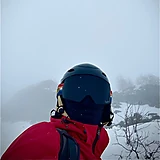
 Author: @GG_VladislavUsed 59 times
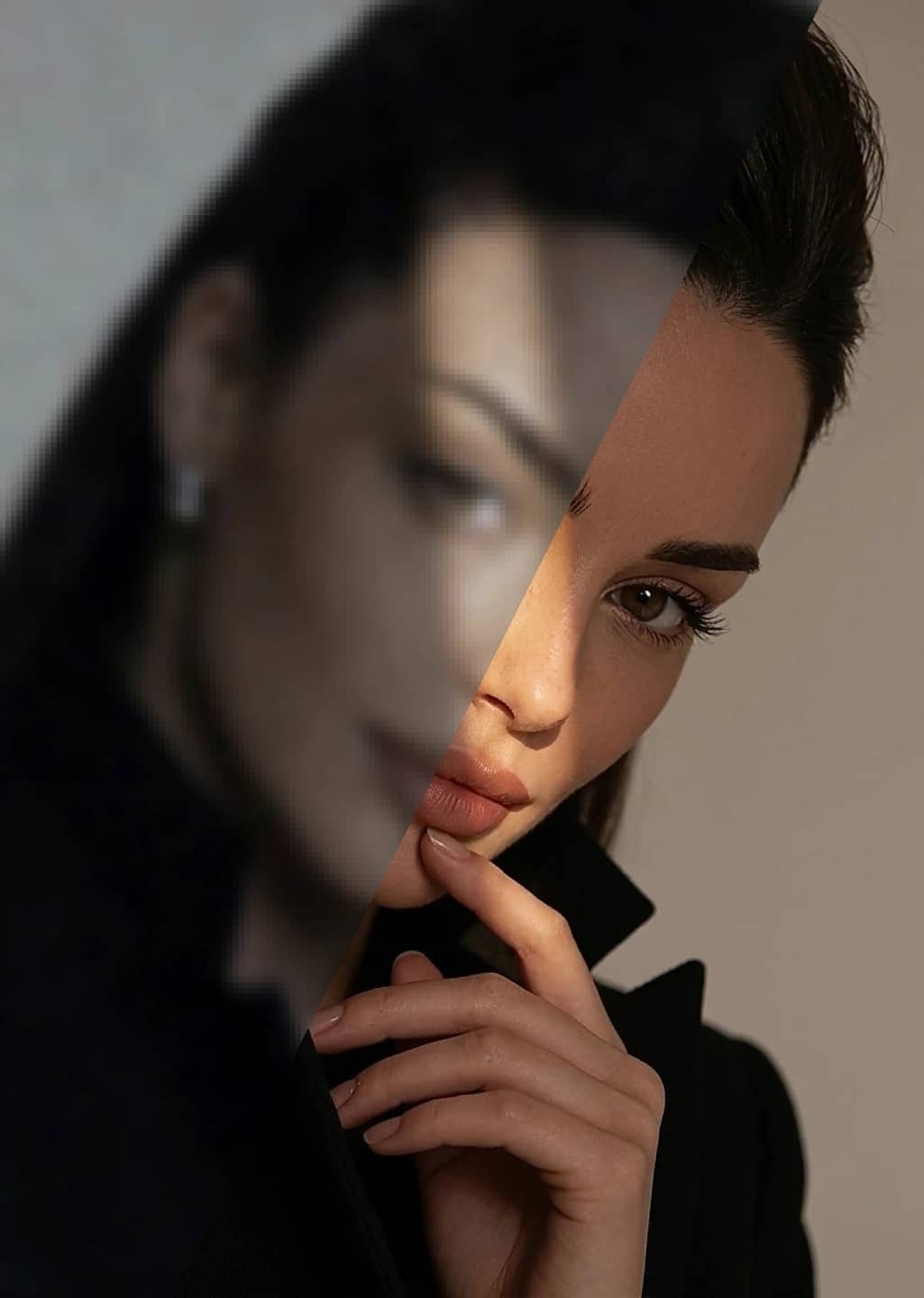 Author: @GG_VladislavUsed 59 times
Upload a photo that lacks sharpness or detail — from a messenger, an old phone, or after heavy compression. The AI is explicitly told to keep the person’s face and body unchanged, so this is not a generic pixel boost — it works on a specific portrait. The result appears in your profile on the site.
Upload a photo. A blurry, noisy or over-compressed photo of a person works.
Wait for processing. The AI sharpens detail while tracking the person’s face and body — the prompt is built to keep those unchanged.
See the result in your profile. The processed photo appears in your profile on the site.
A phone photo in poor lighting, a screenshot forwarded so many times it lost sharpness, a small old photo — anywhere a portrait lacks detail.
The tool is built to keep the person’s face and body recognizable — that is not a side effect but part of how the prompt works. It is meant for photos with a person, not a landscape or an object.