Used 2 times
Template palette
Seasons — the evolution of a character through decades
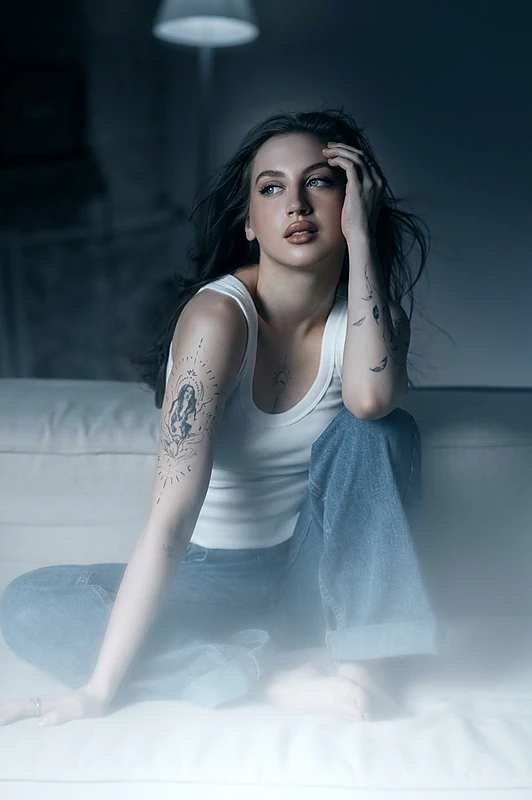
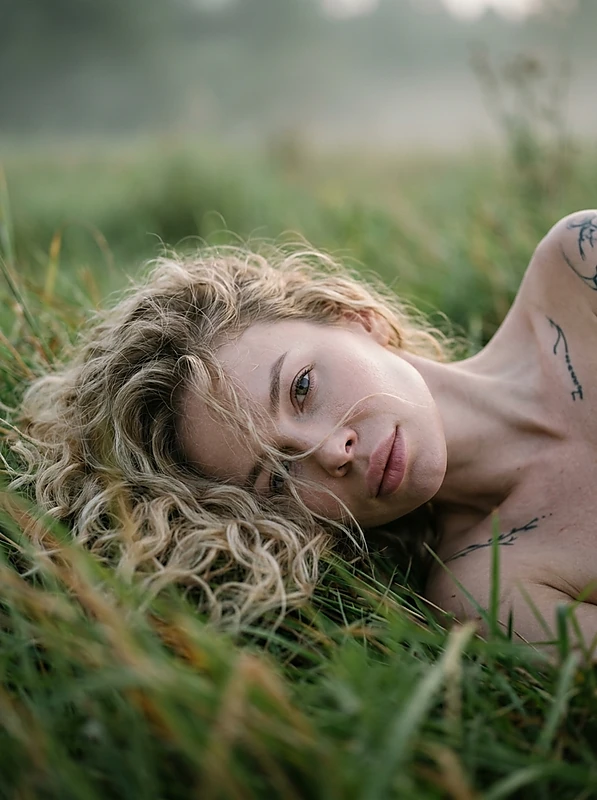
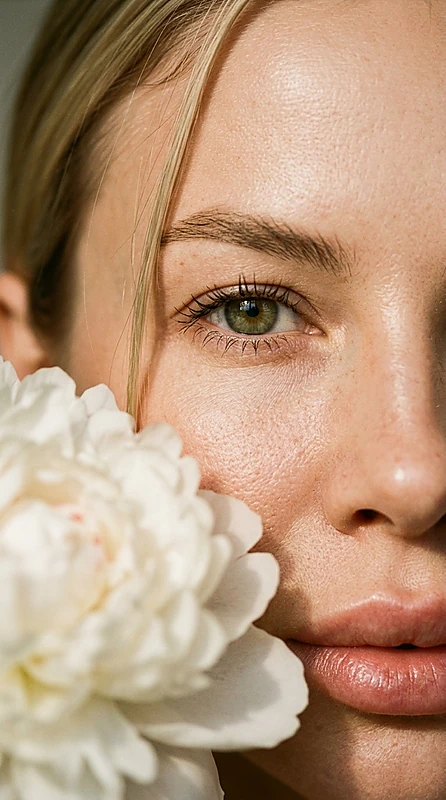
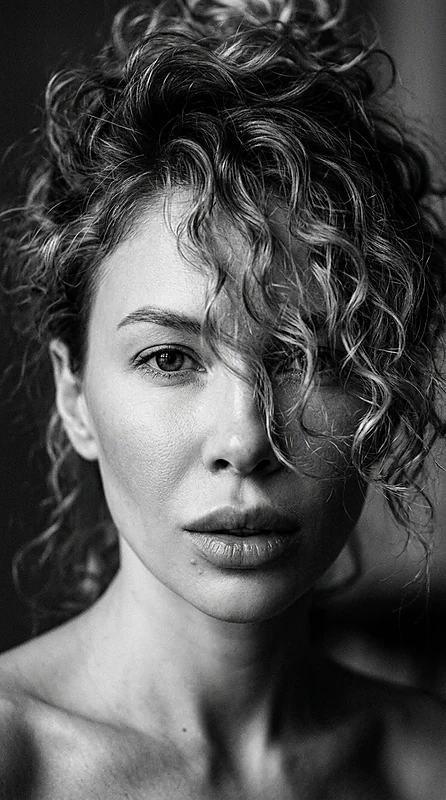
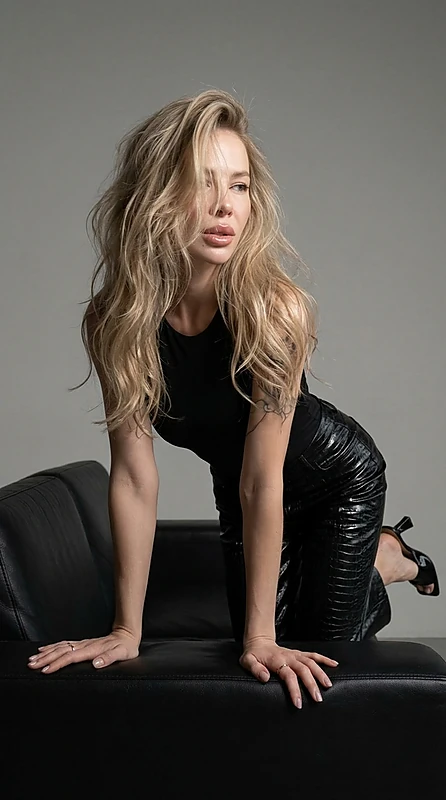
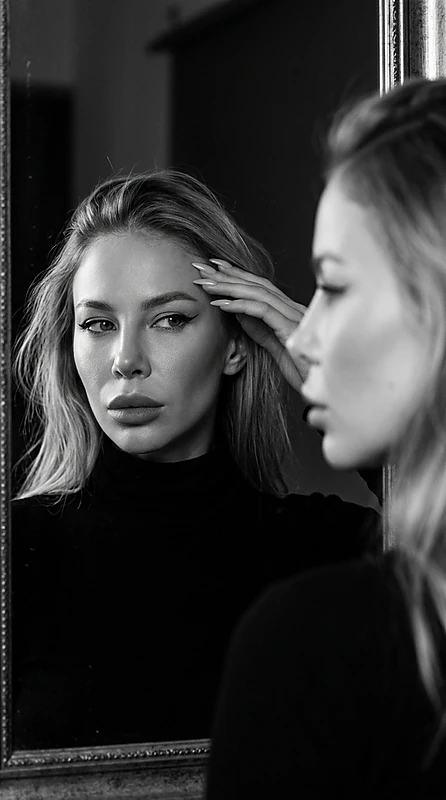
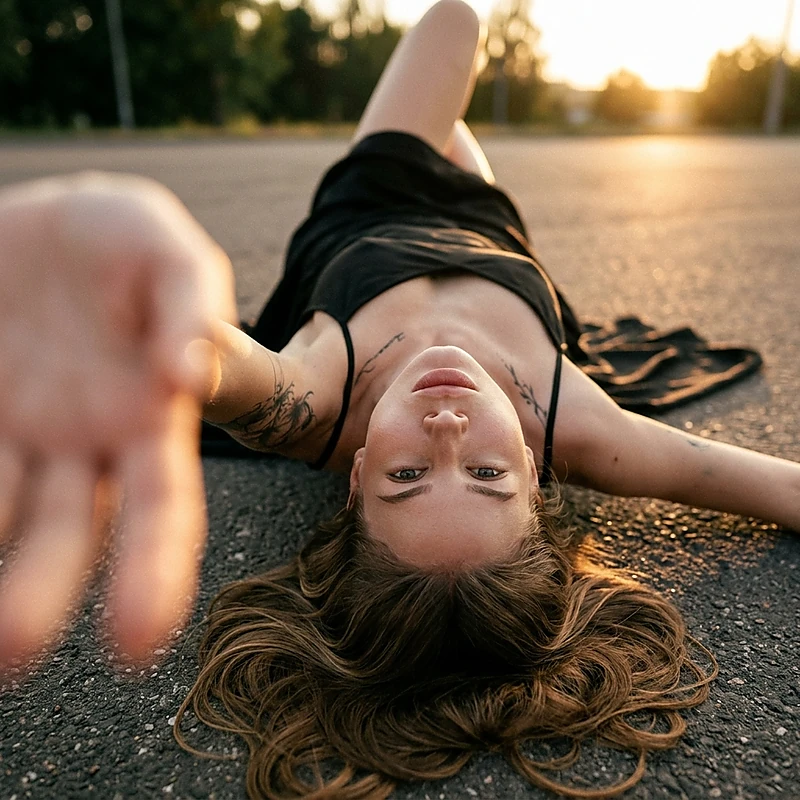
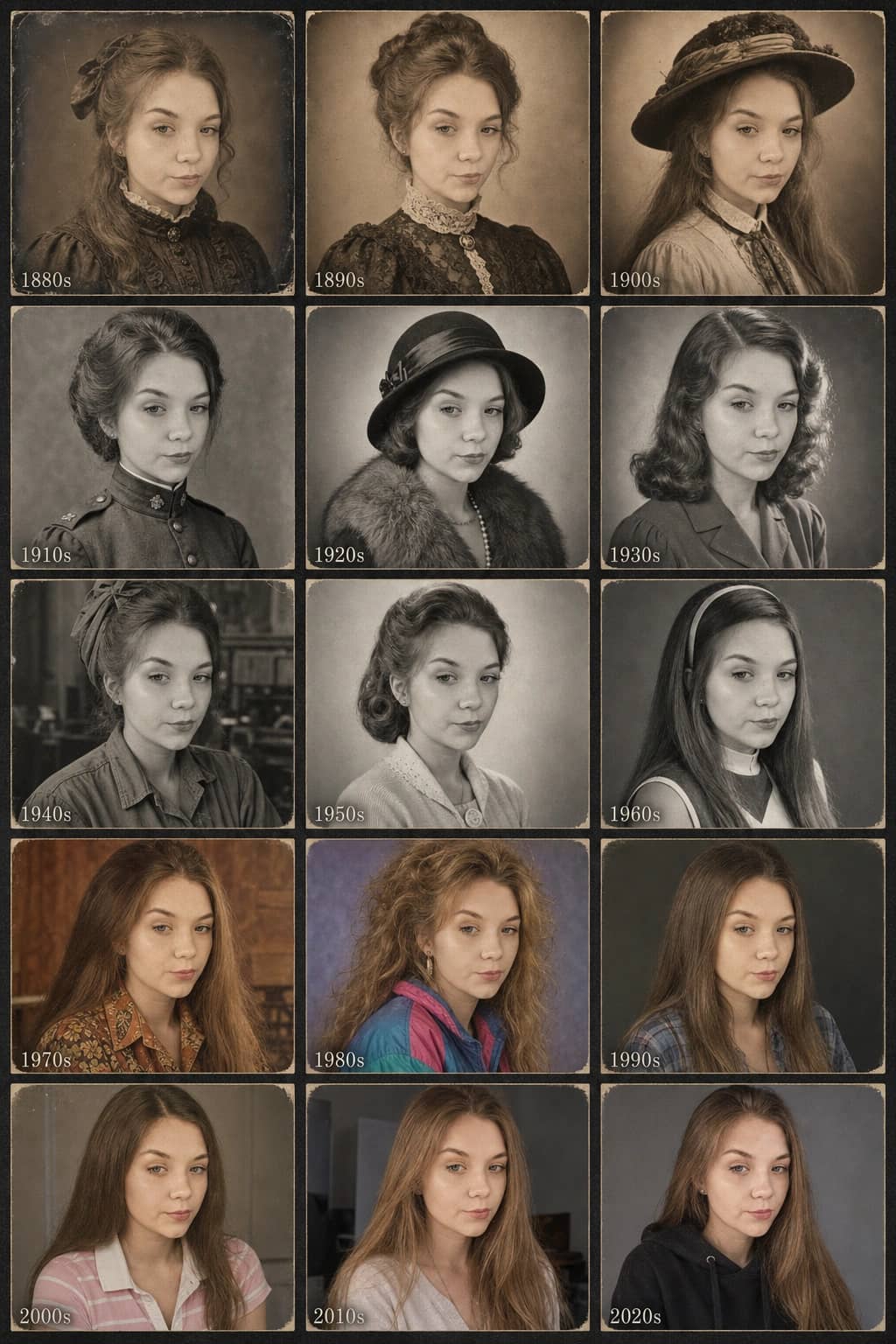
This style creates a grid of 15 portraits of the same person. The face and proportions remain unchanged. Only the clothing, hairstyle, lighting, color palette, and shooting technique of each era vary.
- The result is a museum-quality collage grid of 3×5 or 5×3 with decade labels
- Identity is preserved with the same face in all frames, without aging or plastic surgery
- The scene features a neutral archival background between cells, with even margins and layout
- Changes include fashion, hairstyles, fabric textures, studio lighting, grain, sepia, B&W, film, early digital, and modern smartphone
- The palette transitions from sepia and warm monochromes to rich colors and cool tones
- Tools include portrait optics, studio lighting schemes from different eras, and archival fonts for labels
- Target audience is adults for portraits; age distortions for children are not supported
- Restrictions mean the face cannot change, only the style of the era, cut, and processing
At a glance
- GPT2You can switch to another model before you startauthor's pick
- Realismtemplate
- 26 ₽ per photo1 token = 1 ₽first photo is free
- ≈ 1 min 30 secAverage of recent generations with this modeltypical wait
- 1 face photofront-facing, good light
- Aug 22, 2026, 09:28 AM UTCupdated September 2
 Author: @GG_VladislavUsed 2 times
Template palette
Seasons — the evolution of a character through decades
This style creates a grid of 15 portraits of the same person. The face and proportions remain unchanged. Only the clothing, hairstyle, lighting, color palette, and shooting technique of each era vary.
- The result is a museum-quality collage grid of 3×5 or 5×3 with decade labels
- Identity is preserved with the same face in all frames, without aging or plastic surgery
- The scene features a neutral archival background between cells, with even margins and layout
- Changes include fashion, hairstyles, fabric textures, studio lighting, grain, sepia, B&W, film, early digital, and modern smartphone
- The palette transitions from sepia and warm monochromes to rich colors and cool tones
- Tools include portrait optics, studio lighting schemes from different eras, and archival fonts for labels
- Target audience is adults for portraits; age distortions for children are not supported
- Restrictions mean the face cannot change, only the style of the era, cut, and processing
At a glance
- GPT2You can switch to another model before you startauthor's pick
- Realismtemplate
- 26 ₽ per photo1 token = 1 ₽first photo is free
- ≈ 1 min 30 secAverage of recent generations with this modeltypical wait
- 1 face photofront-facing, good light
- Aug 22, 2026, 09:28 AM UTCupdated September 2