Used 7 times
Template palette
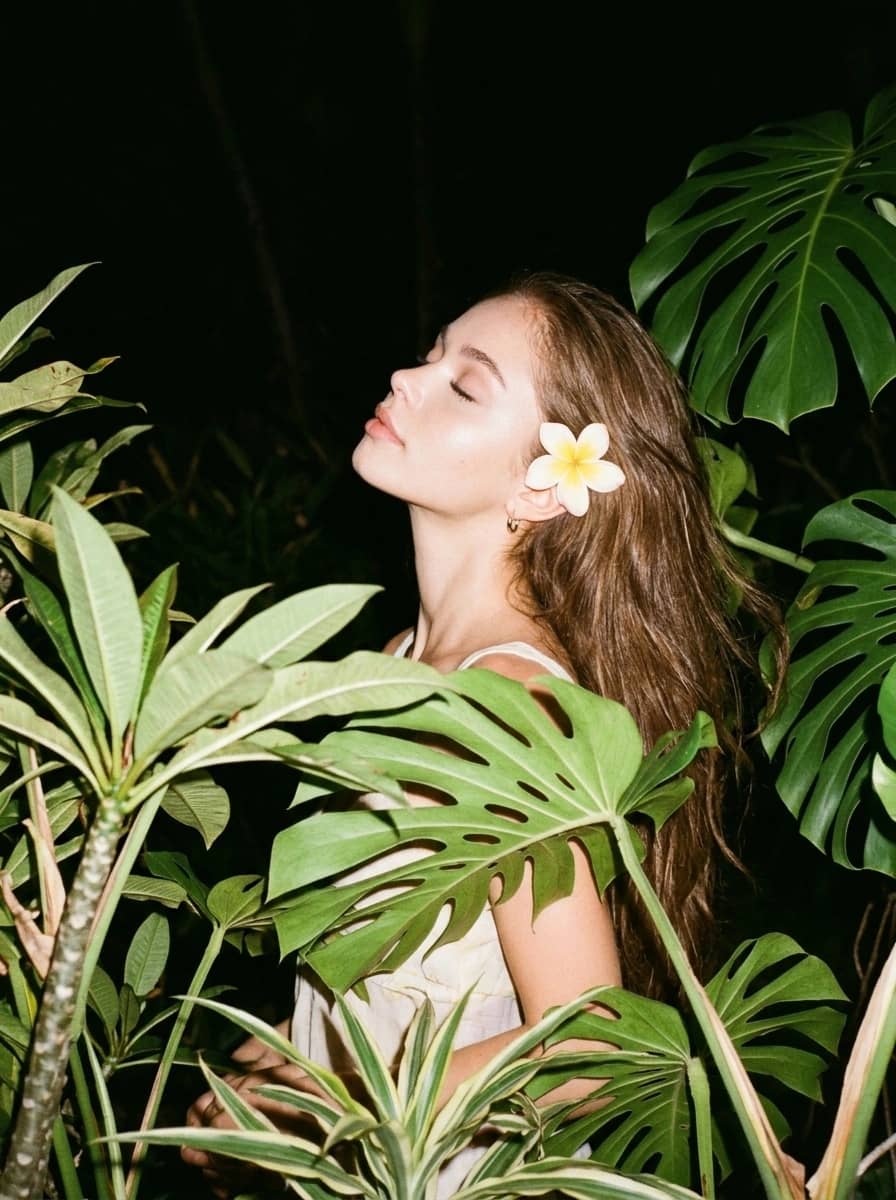
This will process the uploaded portrait without changing the face or appearance. Only the scene, angle, lighting, and clothing will change.
Visual Result
- Night Tropics — black background, harsh flash, cinematic contrast
- Through the Leaves — large, shiny monsteras sharply in front, the subject softly in profile
- Palette — deep greens, warm skin tones, film grain
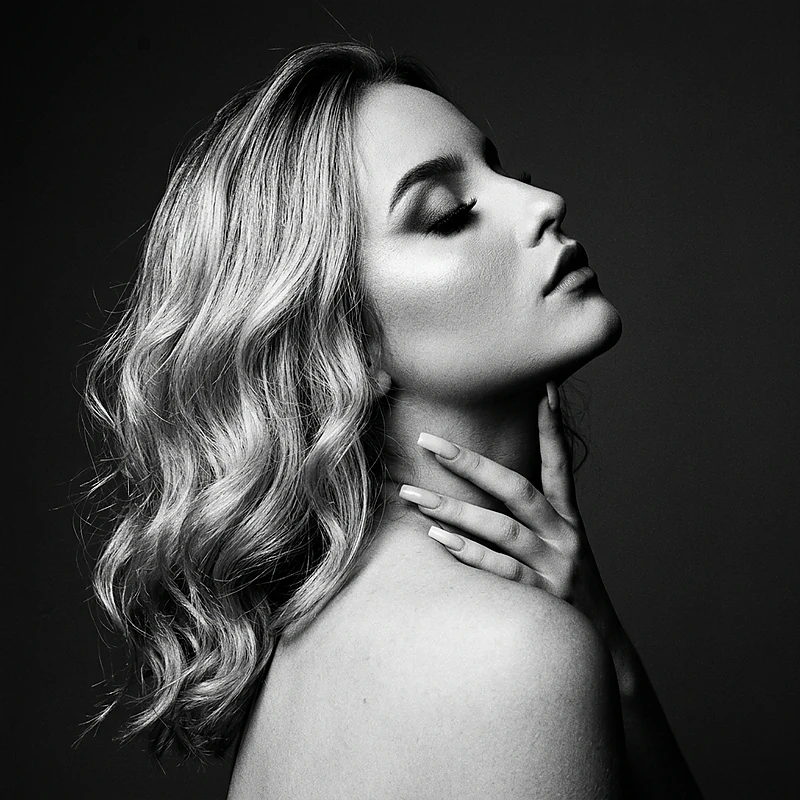
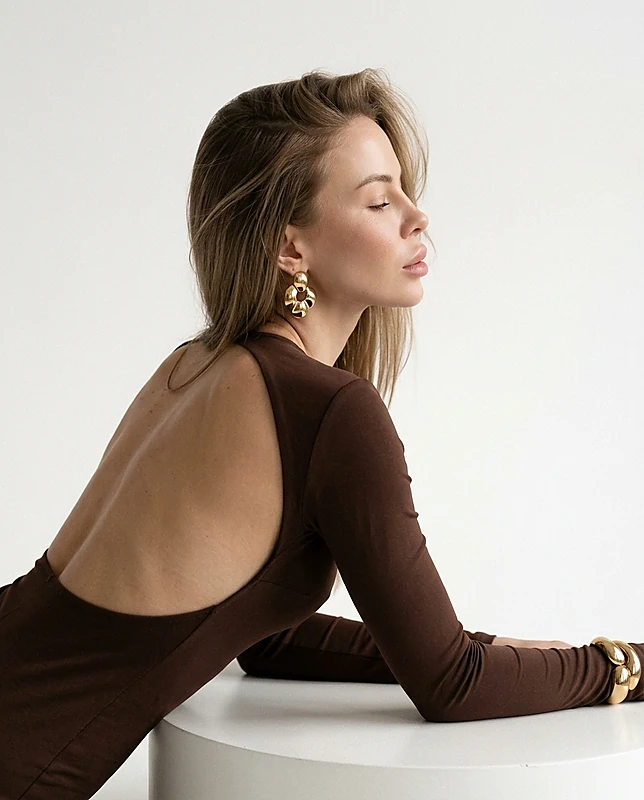
- Pose — body turned slightly, gentle arch, profile, closed eyes, calmness
- Face — identity preserved 100%, natural makeup and skin highlighting
- Clothing — light, airy summer fabrics, no bright patterns
Who and How to Use
- Portrait photographers — atmospheric evening shot with flash aesthetics
- Beauty brands — fresh skin glow, long eyelashes, delicate pink lips
- Lookbooks — summer looks among tropical foliage
- Bloggers — vertical 2:3 format for stories and covers
Important: the face, skin color, eyes, and hair are preserved. The background changes, evoking a warm night, with a plumeria behind the ear and a small earring added.
At a glance
- Banana ProYou can switch to another model before you startauthor's pick
- Realismtemplate
- 9 ₽ per photo1 token = 1 ₽first photo is free
- ≈ 10 secAverage of recent generations with this modeltypical wait
- 1 face photofront-facing, good light
- Aug 26, 2026, 07:30 AM UTCupdated September 2
- Created 7 timeswith this template
 Author: @lessusa_AnetUsed 7 times
Template palette
This will process the uploaded portrait without changing the face or appearance. Only the scene, angle, lighting, and clothing will change.
Visual Result
- Night Tropics — black background, harsh flash, cinematic contrast
- Through the Leaves — large, shiny monsteras sharply in front, the subject softly in profile
- Palette — deep greens, warm skin tones, film grain
- Pose — body turned slightly, gentle arch, profile, closed eyes, calmness
- Face — identity preserved 100%, natural makeup and skin highlighting
- Clothing — light, airy summer fabrics, no bright patterns
Who and How to Use
- Portrait photographers — atmospheric evening shot with flash aesthetics
- Beauty brands — fresh skin glow, long eyelashes, delicate pink lips
- Lookbooks — summer looks among tropical foliage
- Bloggers — vertical 2:3 format for stories and covers
Important: the face, skin color, eyes, and hair are preserved. The background changes, evoking a warm night, with a plumeria behind the ear and a small earring added.
At a glance
- Banana ProYou can switch to another model before you startauthor's pick
- Realismtemplate
- 9 ₽ per photo1 token = 1 ₽first photo is free
- ≈ 10 secAverage of recent generations with this modeltypical wait
- 1 face photofront-facing, good light
- Aug 26, 2026, 07:30 AM UTCupdated September 2
- Created 7 timeswith this template