Used 9 times
Template palette
Restaurant Pearls
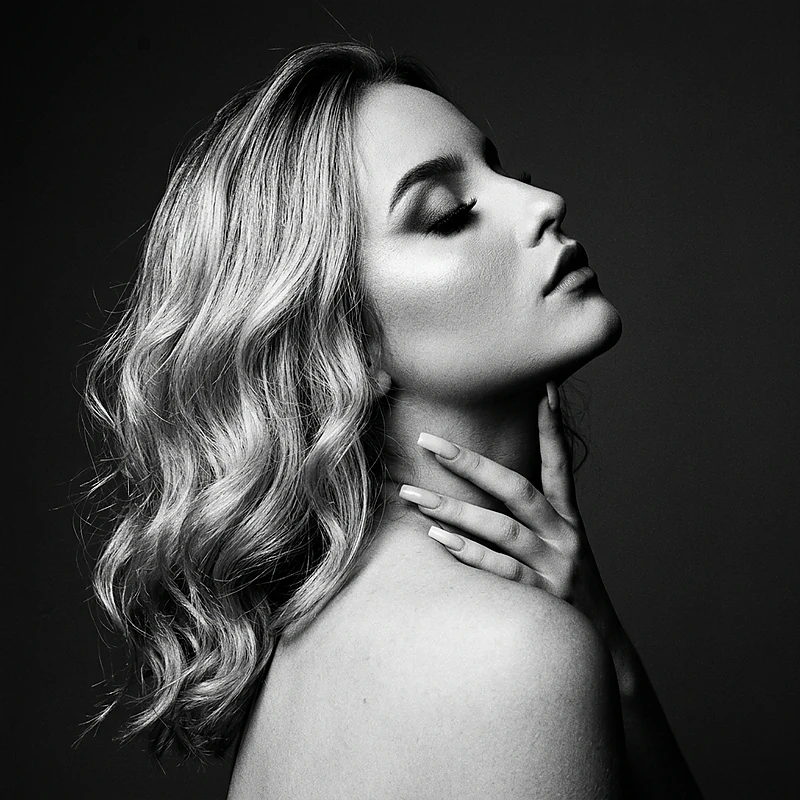
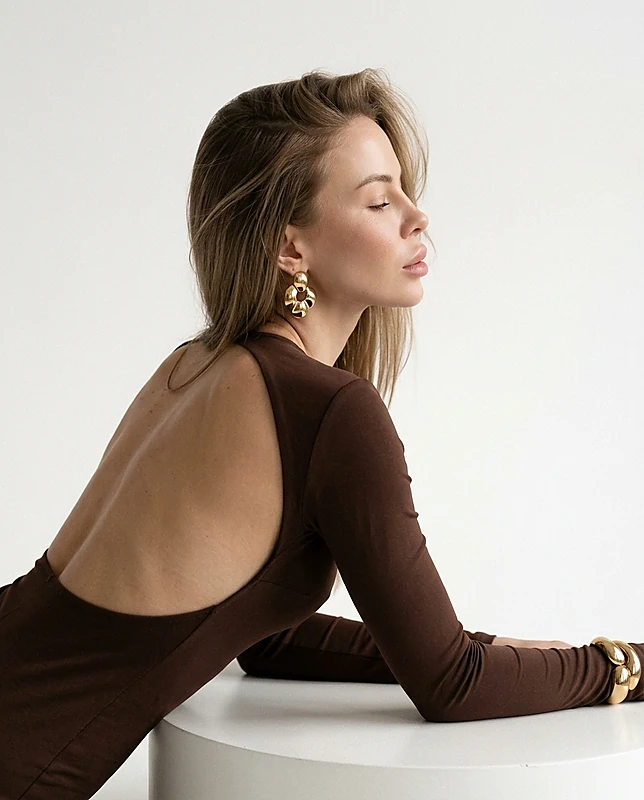
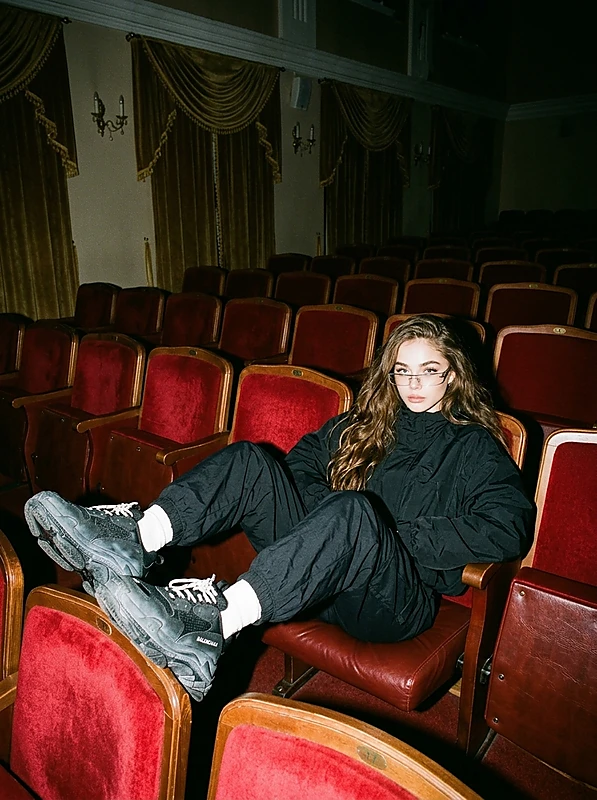
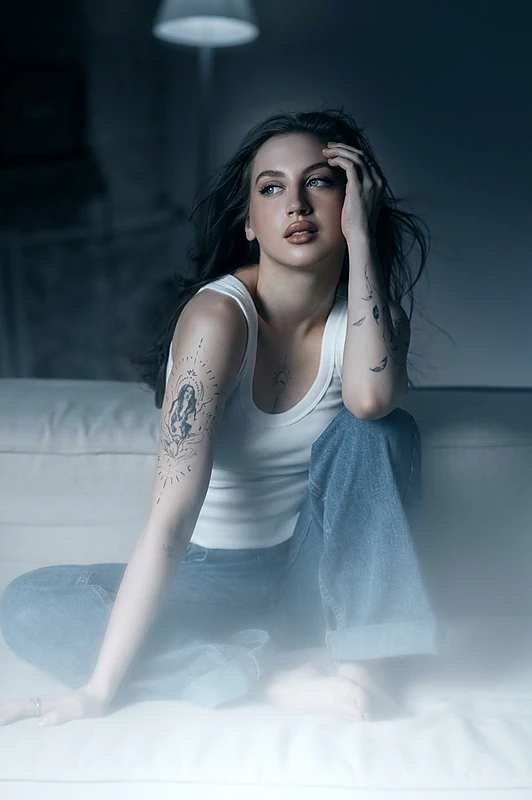
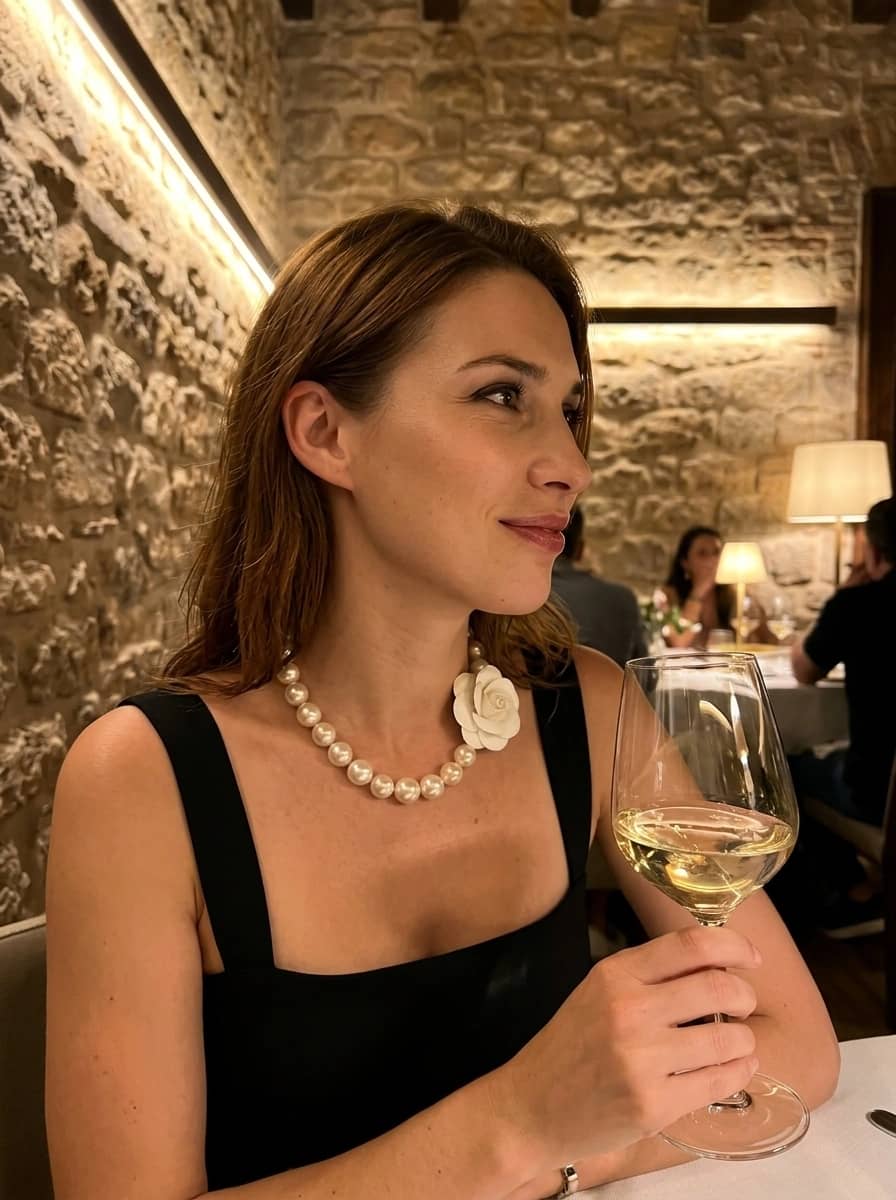
This scene creates a new frame while keeping the face and appearance unchanged. The uploaded photo is processed: features, skin tone, hair color, and length are preserved.
- Visual — close-up from below, profile view, selfie angle, 2:3 vertical
- Setting — cozy restaurant, warm soft light, stone walls, dim ambiance
- Character's look — woman, features unchanged; will include a black dress, large pearls, glass of white wine
- Emotions — calm confidence, slight smile, gaze to the side
- Colors — warm muted tones, golden highlights, soft shadows
- Target audience — portrait photographers, beauty and fashion accounts, restaurants for image content
- Restrictions — strict preservation of identity; only pose, light, and surroundings change
At a glance
- Banana ProYou can switch to another model before you startauthor's pick
- Realismtemplate
- 9 ₽ per photo1 token = 1 ₽first photo is free
- ≈ 10 secAverage of recent generations with this modeltypical wait
- 1 face photofront-facing, good light
- Jul 23, 2026, 07:13 PM UTCupdated September 2
- Created 9 timeswith this template
 Author: @anastasi.yaUsed 9 times
Template palette
Restaurant Pearls
This scene creates a new frame while keeping the face and appearance unchanged. The uploaded photo is processed: features, skin tone, hair color, and length are preserved.
- Visual — close-up from below, profile view, selfie angle, 2:3 vertical
- Setting — cozy restaurant, warm soft light, stone walls, dim ambiance
- Character's look — woman, features unchanged; will include a black dress, large pearls, glass of white wine
- Emotions — calm confidence, slight smile, gaze to the side
- Colors — warm muted tones, golden highlights, soft shadows
- Target audience — portrait photographers, beauty and fashion accounts, restaurants for image content
- Restrictions — strict preservation of identity; only pose, light, and surroundings change
At a glance
- Banana ProYou can switch to another model before you startauthor's pick
- Realismtemplate
- 9 ₽ per photo1 token = 1 ₽first photo is free
- ≈ 10 secAverage of recent generations with this modeltypical wait
- 1 face photofront-facing, good light
- Jul 23, 2026, 07:13 PM UTCupdated September 2
- Created 9 timeswith this template