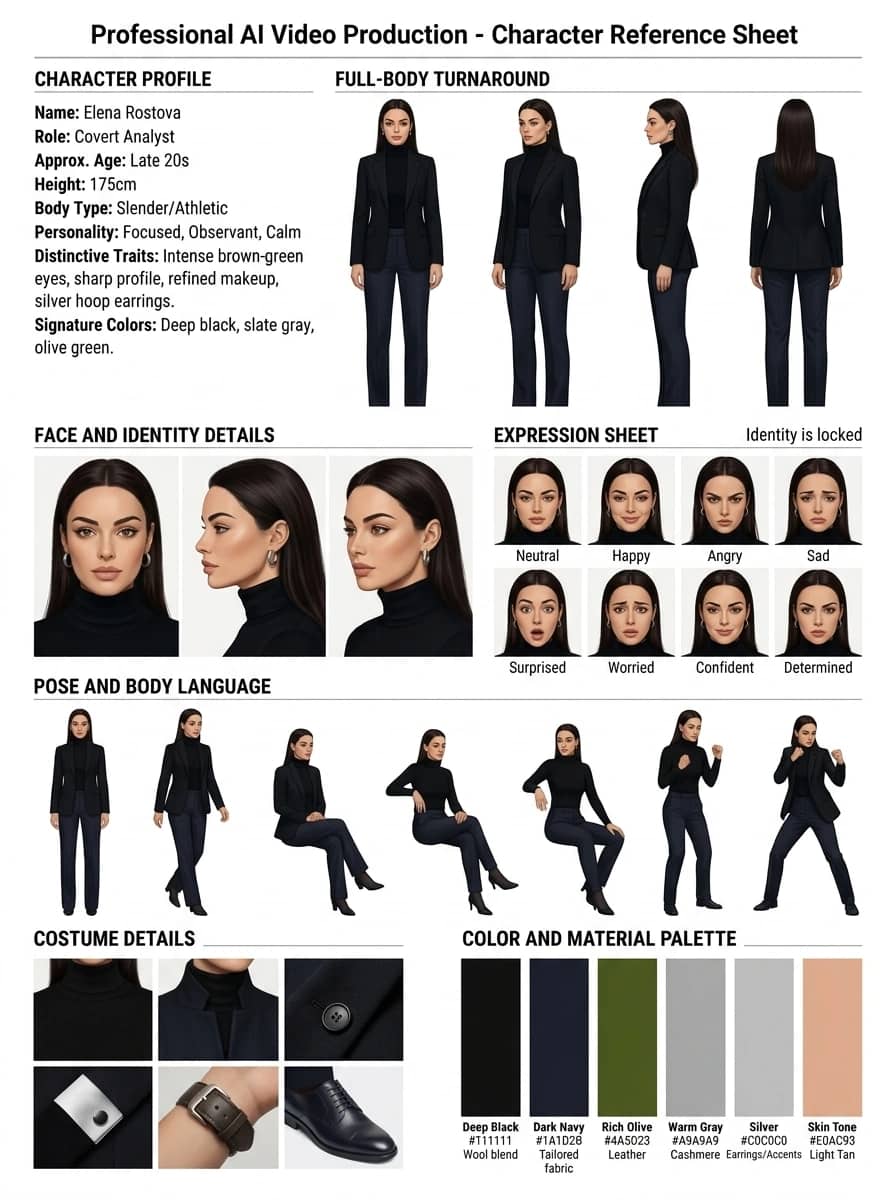
Template palette
Character Brand Book — Reference List
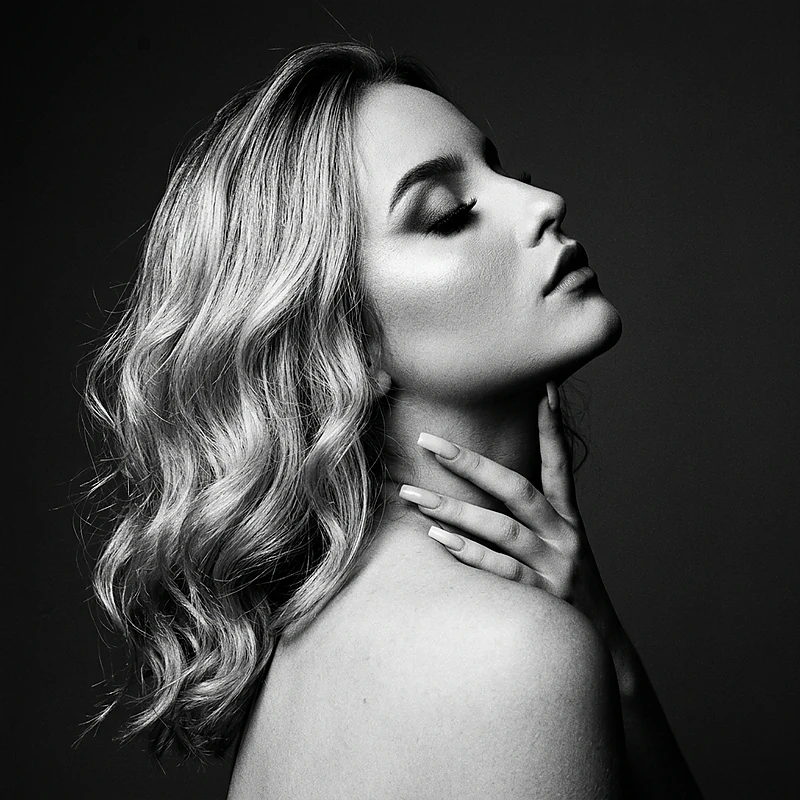
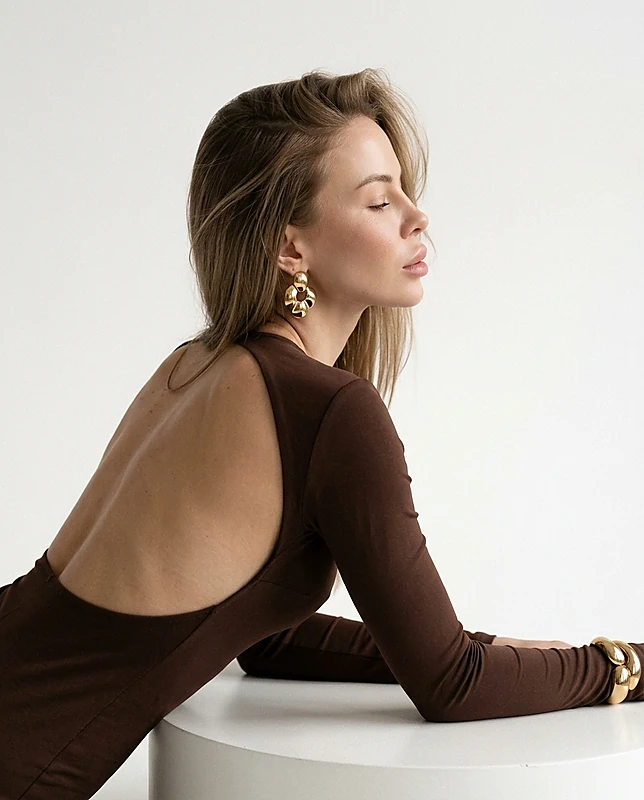
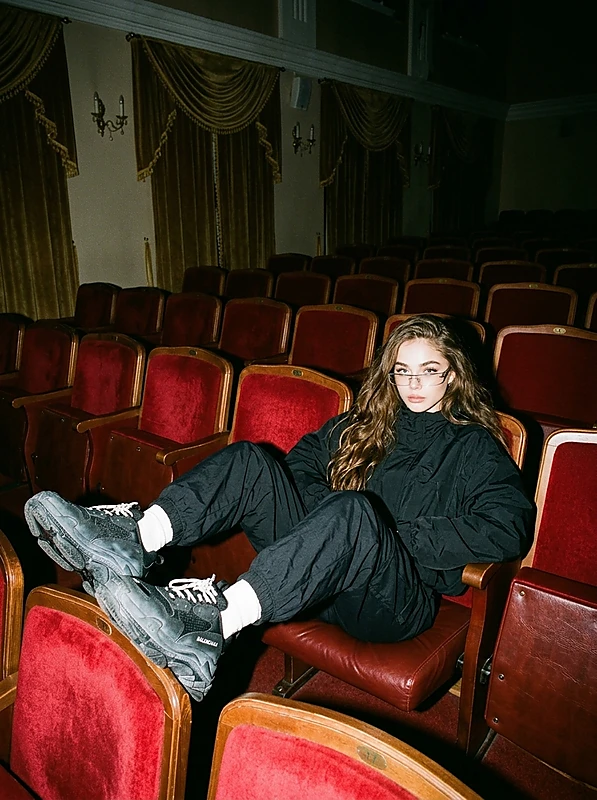
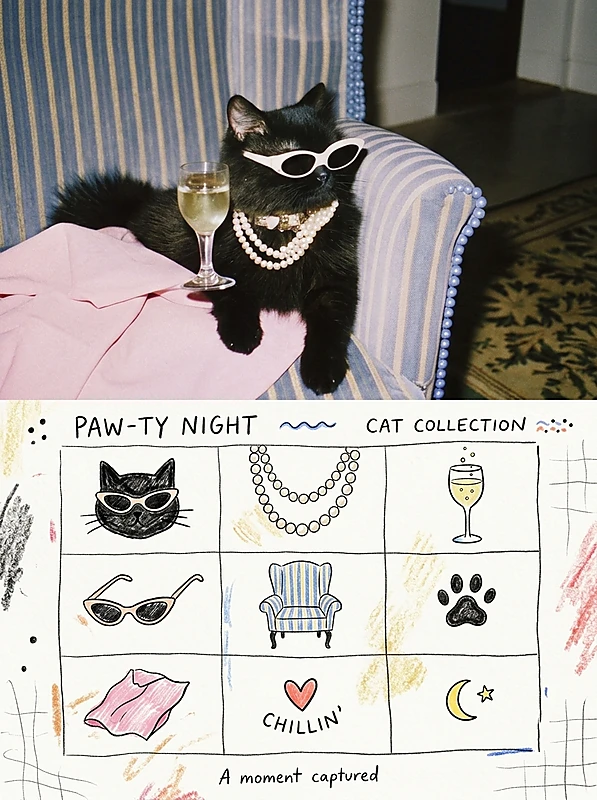
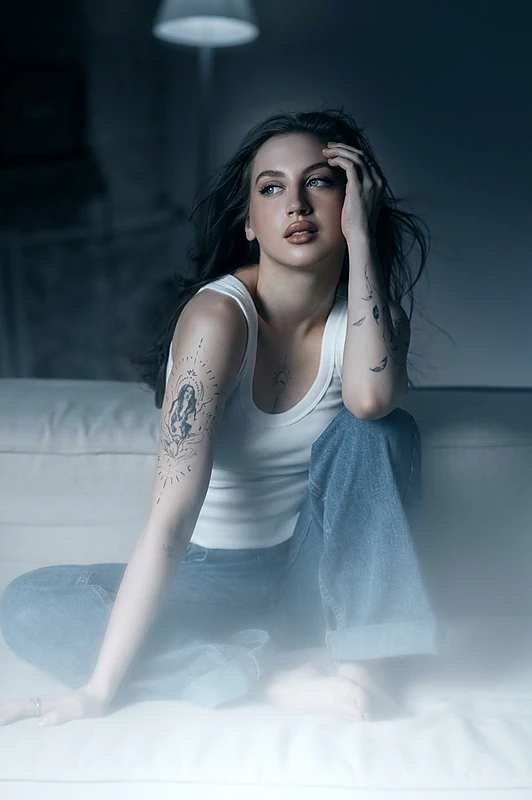
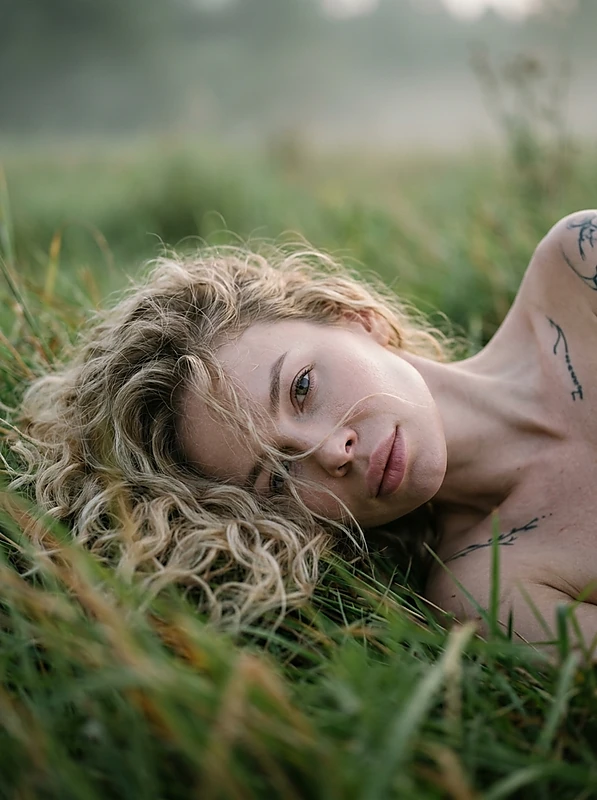
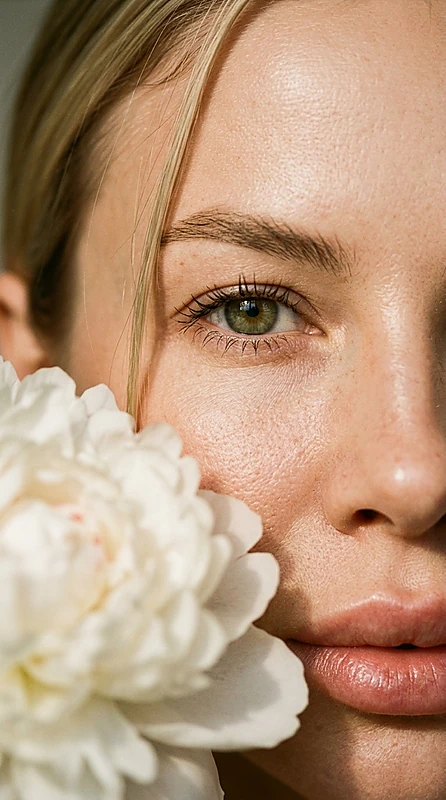
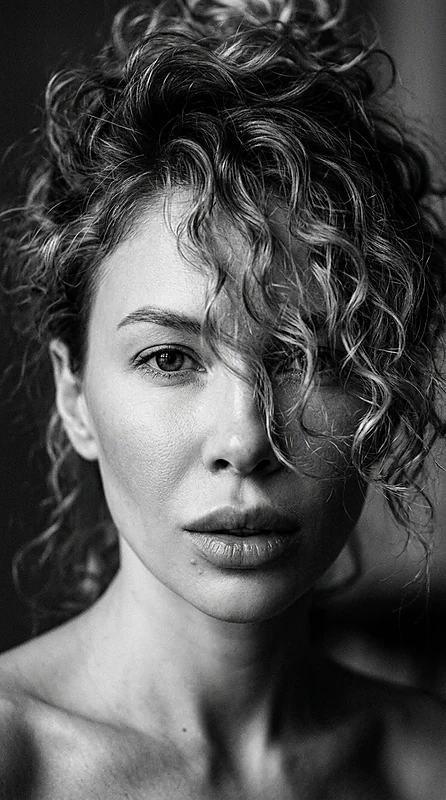
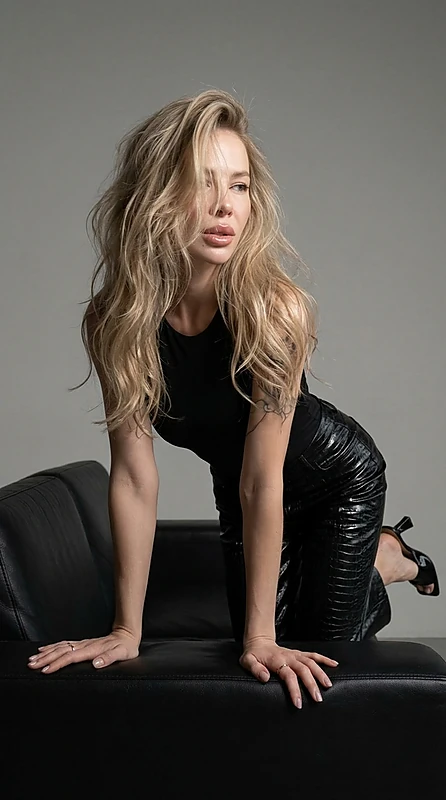
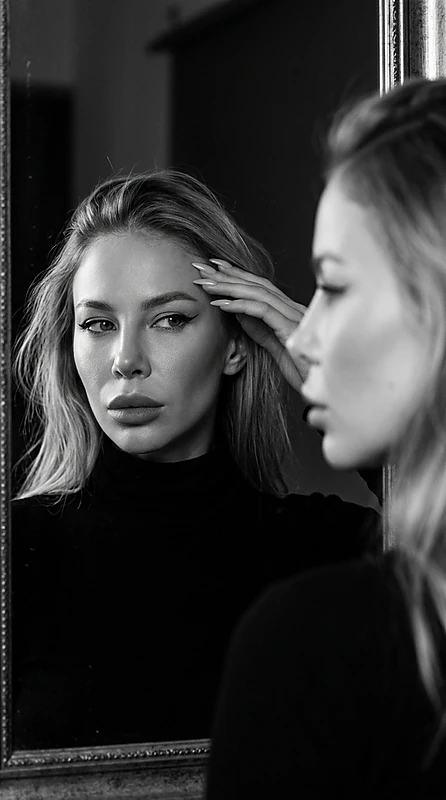
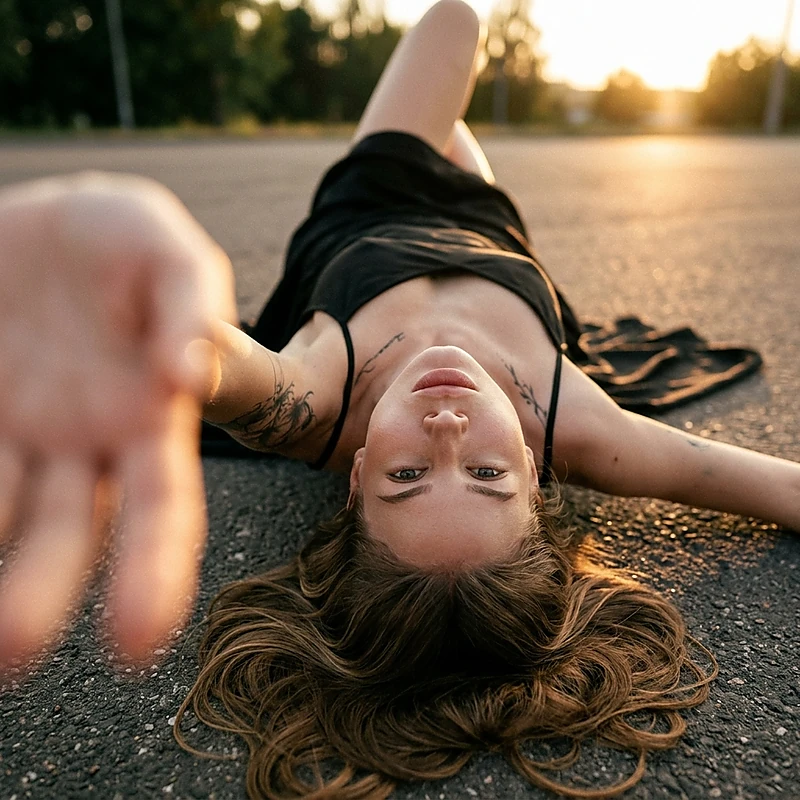
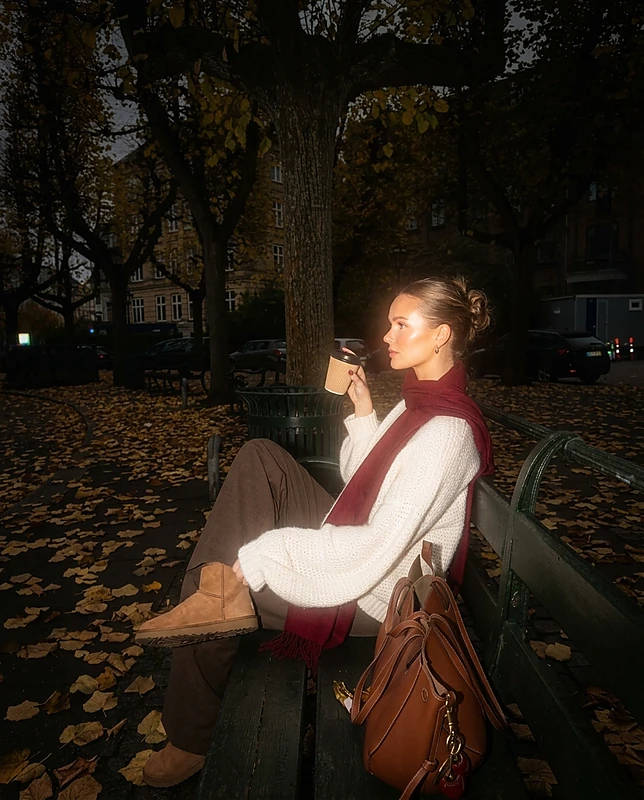
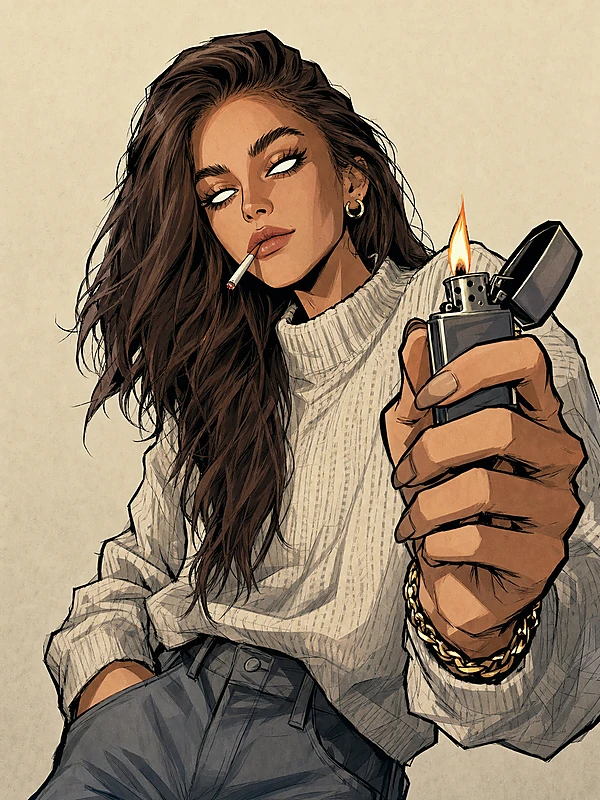
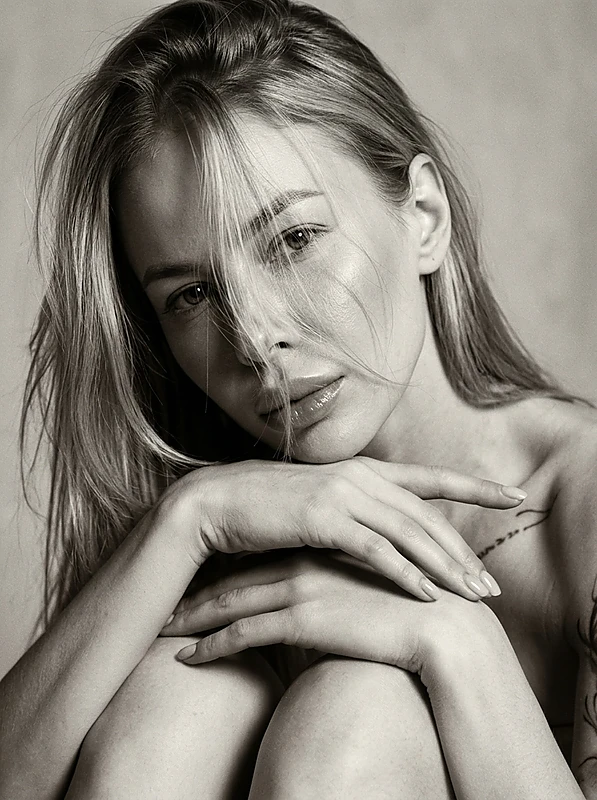
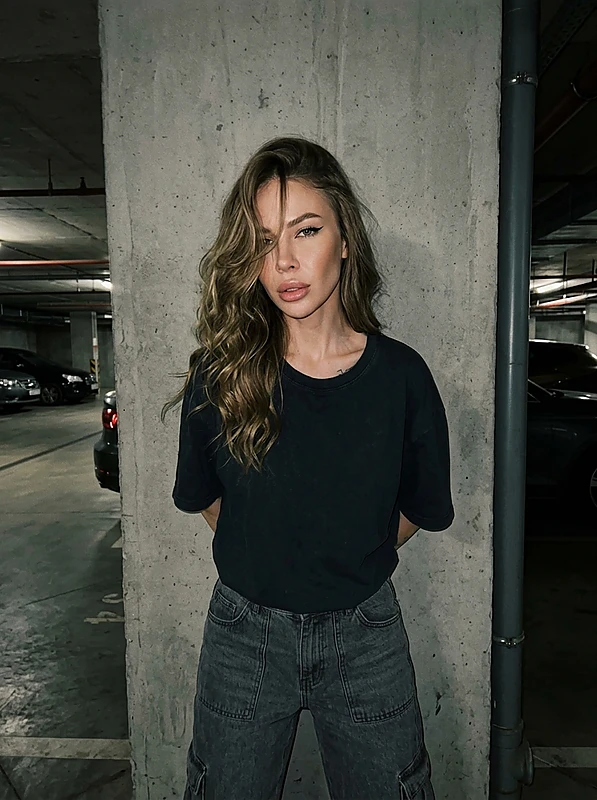
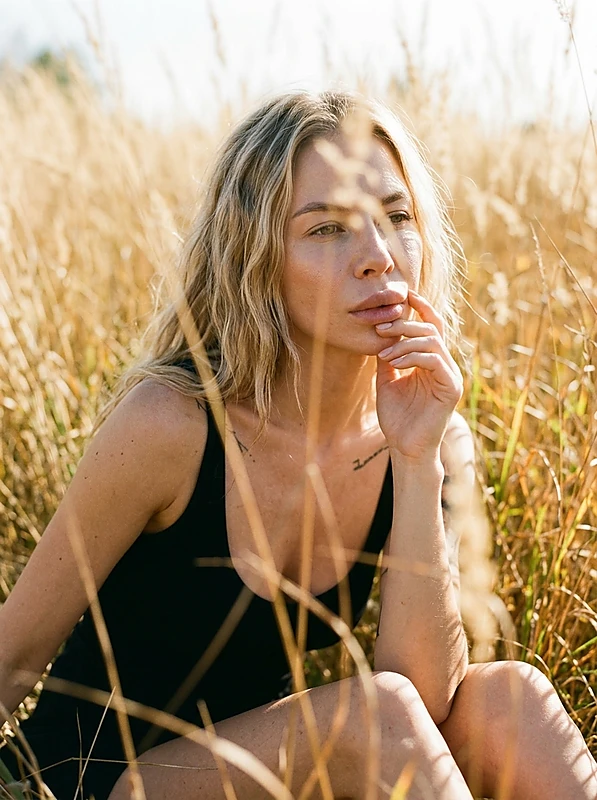
The style does not create a new hero. It carefully organizes the uploaded image without altering features.
- For art directors — a neat 4:5 sheet with a grid and labels
- For animators — poses: front, 3/4, profile, back at the same scale
- For game designers — expressions without changing the face or age
- For costume designers — close-ups of fabrics, seams, hardware, logos
- For colorists — a palette of 4–6 tones with HEX and materials
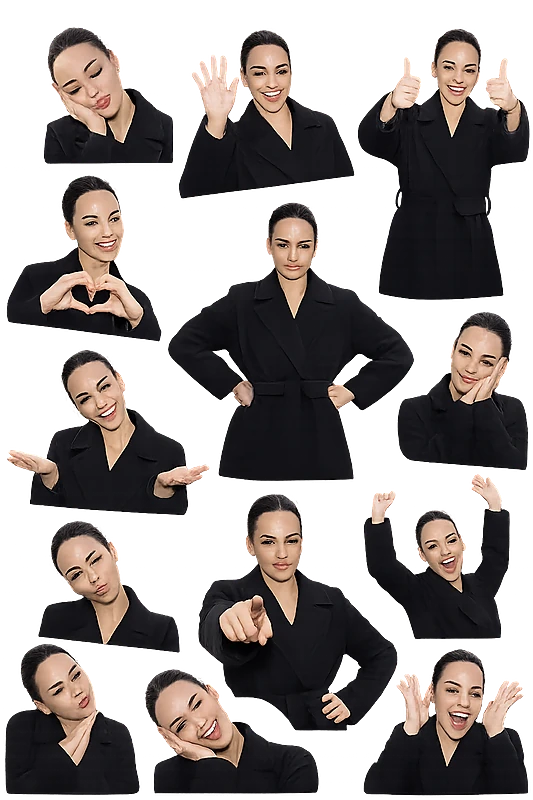
What will change: poses, angles, emotions. What will not change: face, age, shades, hairstyle, proportions, clothing, accessories, tattoos. No new scenes, backgrounds, or objects.
Visually: white or neutral background, soft studio lighting, thin dividers, even spacing. Colors — clean, without noise. Text — concise labels. Mood — businesslike, as in guidelines.
Best for human characters and stylized heroes with clear features. Identity limitation: a clear original photo of the same person or character in a basic costume is required.
At a glance
- Banana ProYou can switch to another model before you startauthor's pick
- Animetemplate
- 9 ₽ per photo1 token = 1 ₽first photo is free
- ≈ 10 secAverage of recent generations with this modeltypical wait
- 1 face photofront-facing, good light
- Aug 22, 2026, 08:54 AM UTCupdated September 2
 Author: @GG_VladislavUsed 2 times
Template palette
Character Brand Book — Reference List
The style does not create a new hero. It carefully organizes the uploaded image without altering features.
- For art directors — a neat 4:5 sheet with a grid and labels
- For animators — poses: front, 3/4, profile, back at the same scale
- For game designers — expressions without changing the face or age
- For costume designers — close-ups of fabrics, seams, hardware, logos
- For colorists — a palette of 4–6 tones with HEX and materials
What will change: poses, angles, emotions. What will not change: face, age, shades, hairstyle, proportions, clothing, accessories, tattoos. No new scenes, backgrounds, or objects.
Visually: white or neutral background, soft studio lighting, thin dividers, even spacing. Colors — clean, without noise. Text — concise labels. Mood — businesslike, as in guidelines.
Best for human characters and stylized heroes with clear features. Identity limitation: a clear original photo of the same person or character in a basic costume is required.
At a glance
- Banana ProYou can switch to another model before you startauthor's pick
- Animetemplate
- 9 ₽ per photo1 token = 1 ₽first photo is free
- ≈ 10 secAverage of recent generations with this modeltypical wait
- 1 face photofront-facing, good light
- Aug 22, 2026, 08:54 AM UTCupdated September 2